# 在 ZILLIQA 上质押

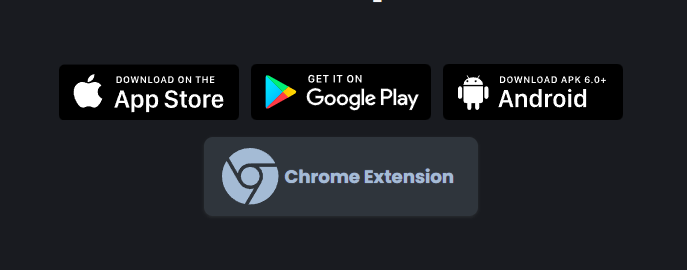
### 1.  安装 Zailpay 钱包

* &#x20;安装 Zilpay 钱包[ **https://zilpay.io/**](https://zilpay.io)

<figure><img src="/files/92iOFrtQVhQ0e97MLzFg" alt=""><figcaption></figcaption></figure>

* Create a wallet, withdraw Zilliqa token to the wallet. 创建钱包，将 Zilliqa 代币提取到钱包。

### **2. Initiate staking**发起质押

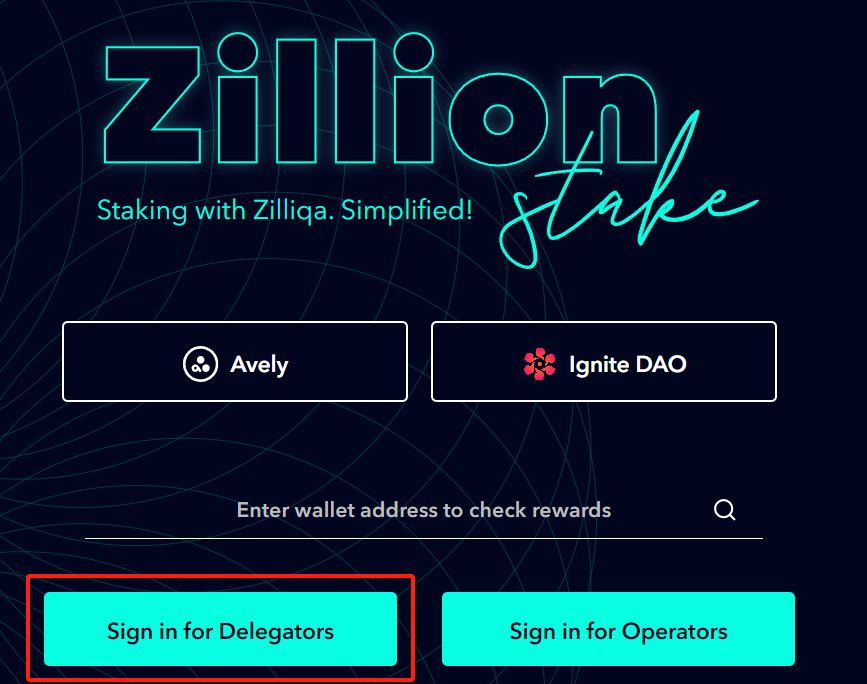
* &#x20;. <https://stake.zilliqa.com/> 打开节点选择网站。  [**https://stake.zilliqa.com/**](https://stake.zilliqa.com/)
* Clink on Sign in For Delegators 点击委托人登录

<figure><img src="/files/kmxLDNCd6Rfb0TwTYBHq" alt=""><figcaption></figcaption></figure>

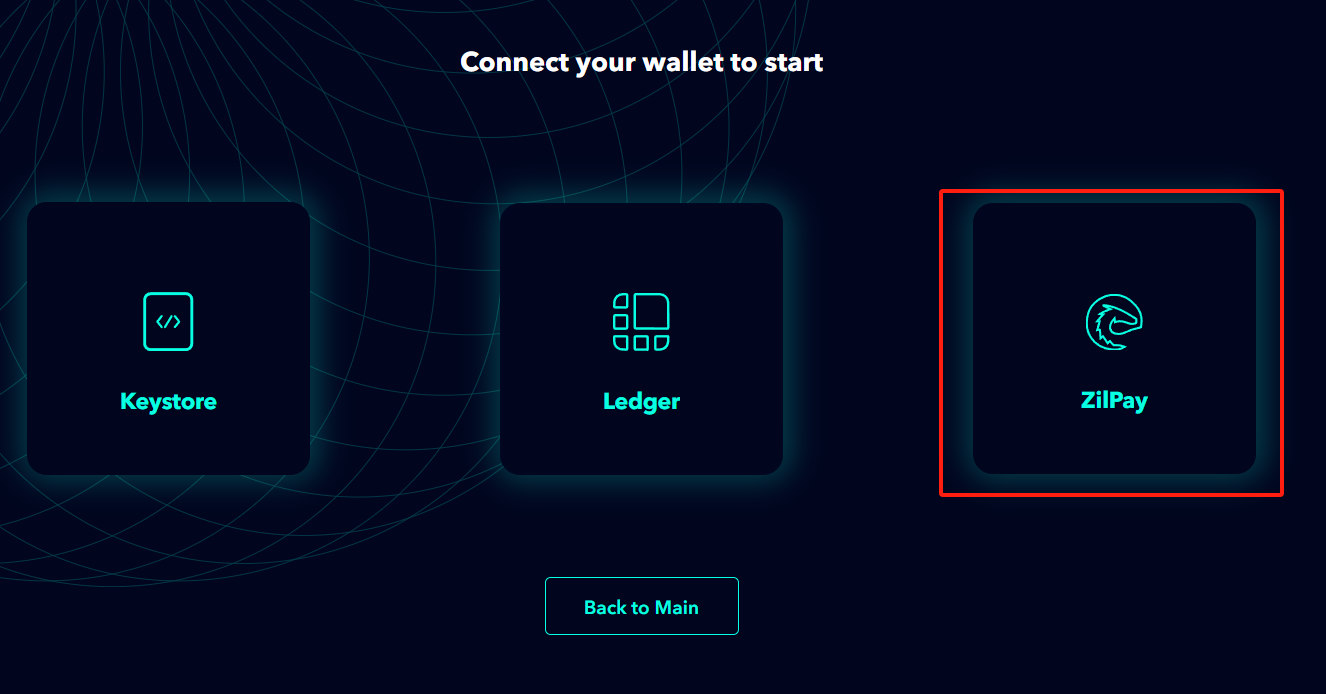
* 连接 ZilPay 钱包。

<figure><img src="/files/QBx405NaWl6UyZ0G2iYG" alt=""><figcaption></figcaption></figure>

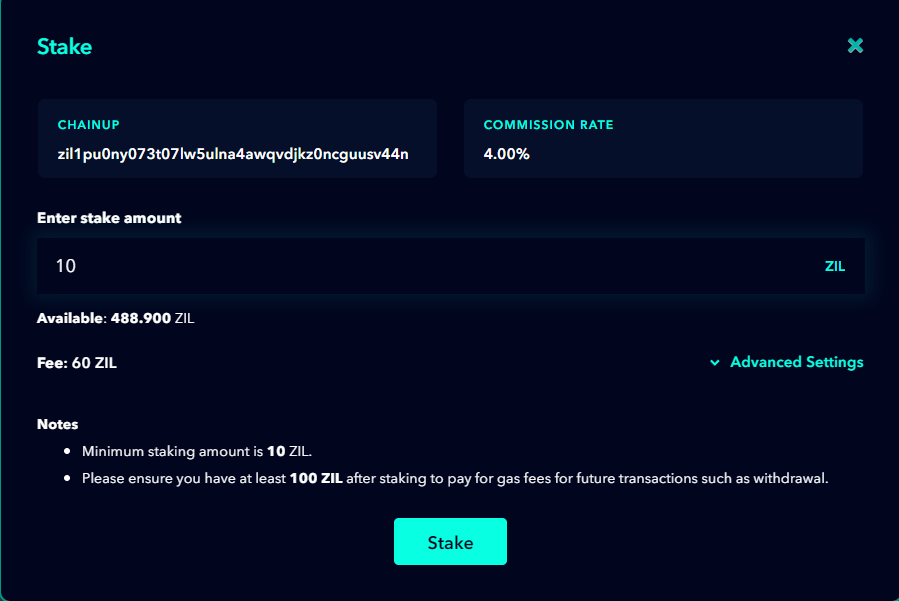
* 选择 ChainUp 节点并点击“质押”。

<figure><img src="/files/mOdj1Zg3Ome588fZN9jF" alt=""><figcaption></figcaption></figure>

* 输入您要质押的金额并点击“质押”。
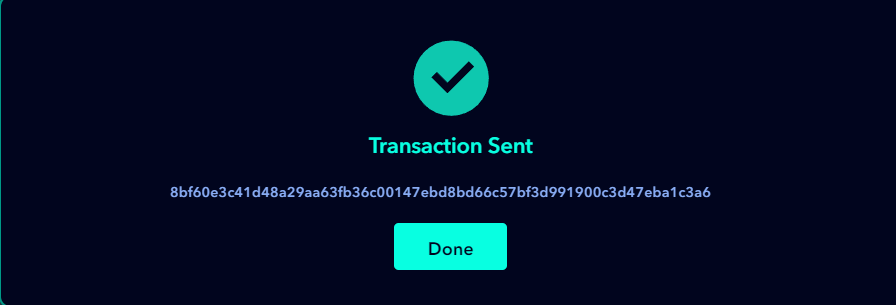
* 在钱包中完成质押过程。

<figure><img src="/files/LQEZRJ333HQZGhdSi171" alt=""><figcaption></figcaption></figure>


---

# Agent Instructions: Querying This Documentation

If you need additional information that is not directly available in this page, you can query the documentation dynamically by asking a question.

Perform an HTTP GET request on the current page URL with the `ask` query parameter:

```
GET https://docs.chainupcloud.com/zhong-wen/staking/zai-zilliqa-shang-zhi-ya.md?ask=<question>
```

The question should be specific, self-contained, and written in natural language.
The response will contain a direct answer to the question and relevant excerpts and sources from the documentation.

Use this mechanism when the answer is not explicitly present in the current page, you need clarification or additional context, or you want to retrieve related documentation sections.